
I wrote a post a day or so ago wherein I described the standard ways to identify yourself on my WordPress blog when commenting. I did so mostly because I had heard rumours that people were having problems commenting, and I couldn’t recreate said problems. I thought explaining the process a bit might help.
Well, it did help… it helped identify some problems with my blog hosting at least. Wilhelm Arcturus from TAGN was the first to point out an issue, an error page produced that reflected his request was being blocked. It looked something like this:
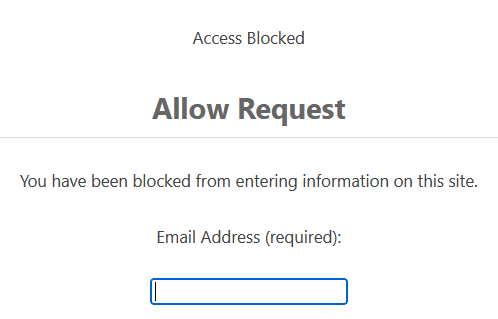
I couldn’t re-create the issue at first. Every attempt I made to post comments using macOS and Safari from my location in Canada worked. I finally clued in that the error might not be coming from my blog at all, but rather from the Cloudflare service I use for security and DDoS protection.
Examining Cloudflare logs
I have never really used the logs in Cloudflare as they have a cost associated with use: $1 per gigabyte of data. There is also a lack of completeness in my understanding of what exactly contributes to that “gigabyte”: is it the size of the logs collected? The size of the queries of those logs? I’m not sure.
Anyway, I turned on firewall logging and found out that sadly it is not retroactive: so I have no data from Wilhelm’s experience. I then tried different ways to re-create the error. One way that sort of worked: using NordVPN I routed my test workstation traffic via the United States and, with WordPress login at least, got a similar error.
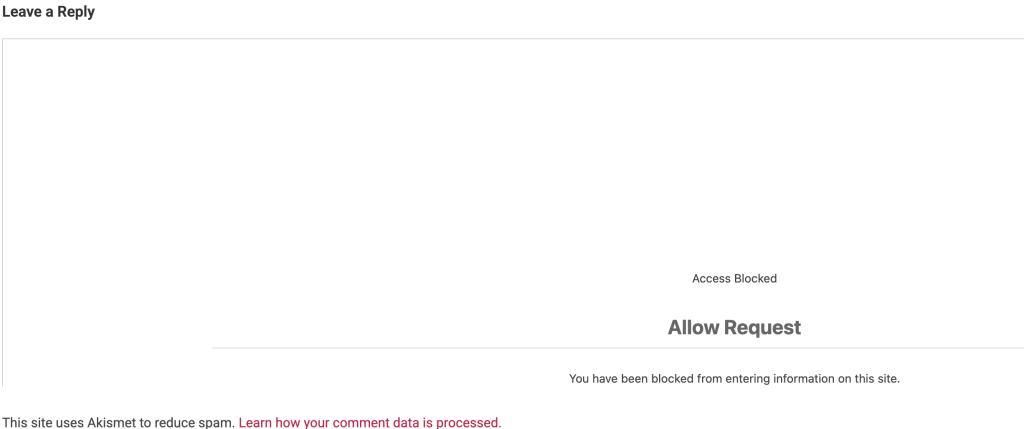
The above error was accompanied by a record in the Cloudflare firewall logs that looked like this:

A little more digging revealed an extra column I could view in the logs called “Rule ID” and the value for every “block”ed action was type “bic”. Further investigation revealed that “bic” stands for Browser Integrity Check and it is on by default. I turned it off, and thus at least no new blocks have appeared in my Cloudflare logs. Interestingly, all of the blocked traffic seems to originate in client IP ranges 34.x.x.x and 35.x.x.x: I’m not sure what to make of this.
Interim conclusion
I fear that I haven’t actually fixed anything. Worse yet, I have several much respected members of the Blaugust crew who have tried and failed to post comments to my blog, which undoubtedly colours their perceptions of my blog itself. But I will keep at it: maybe something new will give me a better idea of what is going on with my comment system here in WordPress-land.
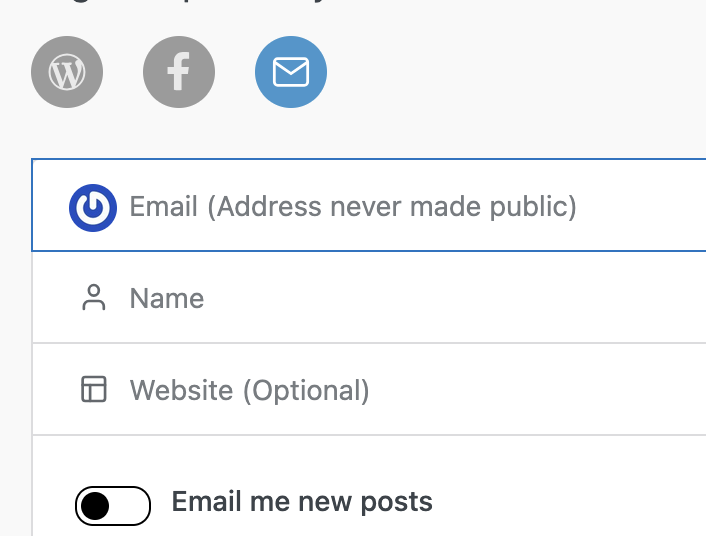

I’m going to try again … is this thing on??
So, using the WordPress app on my phone, comments appear to get through!
Yay! A comment from Krikket! That bodes well, and thank you for your patience in trying again.
EDIT: thanks for clarifying that you used the Jetpack/Wordpress app: was that what you used in your previous attempt?
Wilhelm reported that the Jetpack app worked for him even before I made my possible fixes. Was that
Initially (and for this comment, if it works) I was using Chrome on my desktop while logged into WordPress.
So far, new comment from Chrome did not work. Reply comment from Chrome appears to have a 50% success rate. Whether it succeeds or fails, the hang time between hitting the button & the comment appearing (or not appearing) is around a minute. Not sure if any of this info helps your troubleshooting.
Every bit of data I get helps in some way, Krikket: thanks for trying that out!
Good luck on your mission… hey, I left a comment!
Awesome! Which method did you use, Wilhelm: browser, Jetpack / wordpress app, semaphore?
Test comment, from Android phone, default browser ( so some sort of chrome or chrome adjacent, ) Rogers network
Thank you for trying again, Chris! Your report of still getting the “access blocked” messaged accompanied by an absence of any errors in the Cloudflare firewall logs told me the problem had to be somewhere else.
It looks like the issue is a WordPress anti-spam plugin I use called “Dam Spam”- formerly known as Stop Spam. It aggressively analyses and blocks spam based on form data including email and IP addresses. When it blocks something it presents a form like what you saw.
For now I’ve disabled Dam Spam, but that will probably need to be reversed and its rules will need to be updated somehow to be less aggressive. Spam is a real problem with blogs!
Test post #2. Same phone set up, connected through home WiFi (Telus,)
Thanks once more Chris for testing this out. Dam Spam seems to be the primary if not the only cause of blocked comments here. I’ll likely leave it off for the remainder of Blaugust and see what kinds of trouble that causes in terms of spam users and spam comments.